
Hippocrates,
wherever you go.
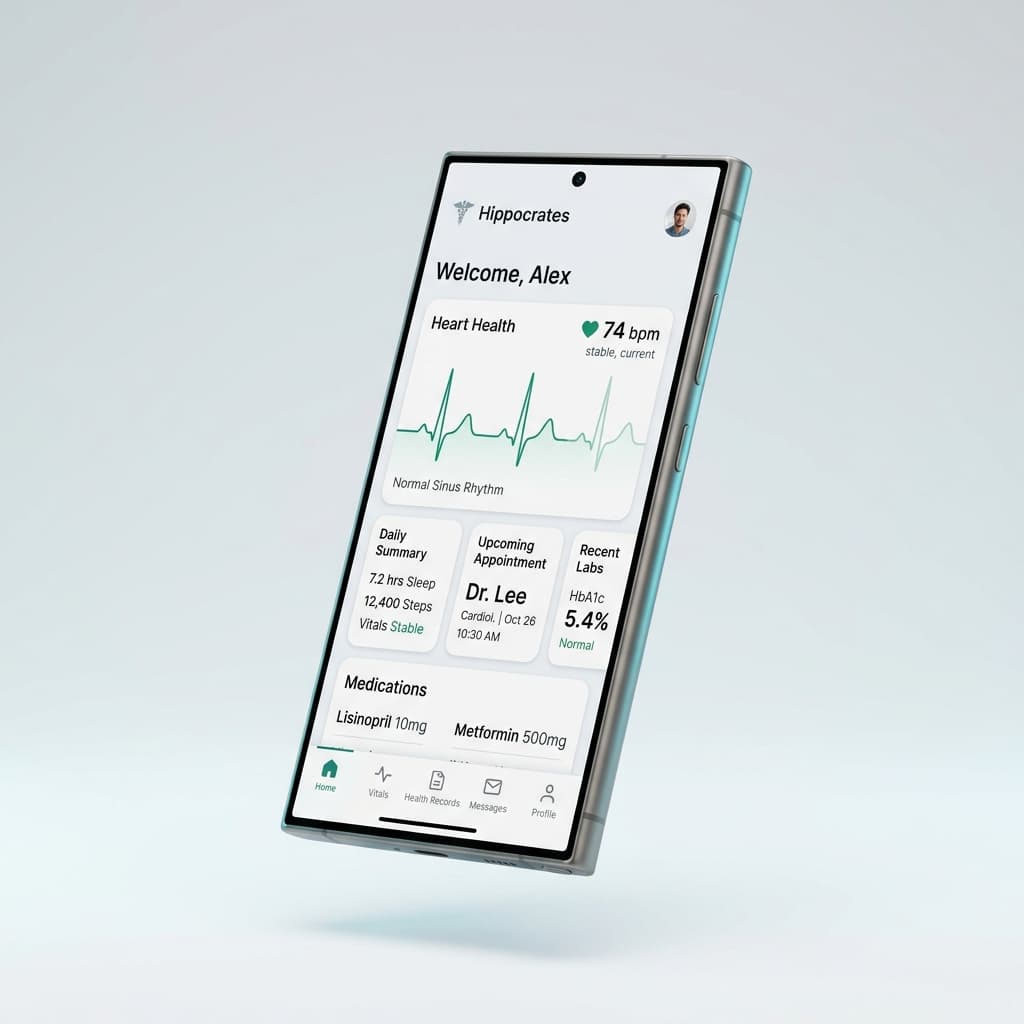
Explore Hippocrates on your Android device for convenient access to its available health-information and clinical-support features.
Verified APK Release
v1.0.0 • 4.88 MB • ai.hippocrates.app
Verified Package Details
All package metrics are calculated directly from the official APK binary served from this domain.
Android
v1.0.0 • Universal
ai.hippocrates.app
Standalone App
4.9 MB
5,115,229 bytes
Official Direct
www.hippocrates.in
How to Install Hippocrates on Android
Follow these simple steps to install the APK package on any modern Android device.
Download the APK
Tap Download for Android above. Your browser will download the 4.88 MB installation file to your device.
Open the Notification
When the download completes, swipe down your notification tray and tap HIPPOCRATES.apk, or open it from your browser's Downloads menu.
Allow & Install
If prompted by Android security, tap Settings and toggle Allow from this source. Then tap Install to complete setup.
Device variations: On Samsung (One UI), Google Pixel, Xiaomi (HyperOS/MIUI), or OnePlus (OxygenOS), the prompt may say "Install unknown apps" or "File might be harmful". This is standard Android security for any APK installed from a browser rather than the Play Store.
Installed safely. Never bypass device protections.
Clear facts regarding Android APK security prompts and how Hippocrates respects your device security.
Official Website Release
This APK is distributed directly from https://www.hippocrates.in. It is built directly from the official Hippocrates project without third-party mirrors or modifications.
Understanding the Security Prompt
Android displays a generic warning when installing APKs directly from web browsers. Granting permission for your browser to install this specific file does not disable your overall device security.
Keep Play Protect Active
Never disable Google Play Protect or system-wide security settings. Hippocrates installs safely with all default Android security scans and Play Protect fully active.
Frequently Asked Questions
Common questions regarding downloading, installing, and updating Hippocrates on Android.
Prefer Not to Install an APK?
Hippocrates is built with modern Progressive Web App (PWA) technology. You can add it directly to your home screen from Safari (iOS) or Chrome (Android) with zero APK file downloads.
Apple iPhone & iPad (Safari)
Native-feeling full-screen experience
- Open https://www.hippocrates.in in Safari.
- Tap the Share button (box with upward arrow) in the bottom toolbar.
- Scroll down and select Add to Home Screen.
- Tap Add in the top-right corner.
Android Browser PWA (Chrome)
Zero APK download required
- Open https://www.hippocrates.in in Google Chrome.
- Tap the three vertical dots (⋮) in the upper right.
- Tap Install app or Add to Home Screen.
- Hippocrates launches in a clean, dedicated standalone window.